
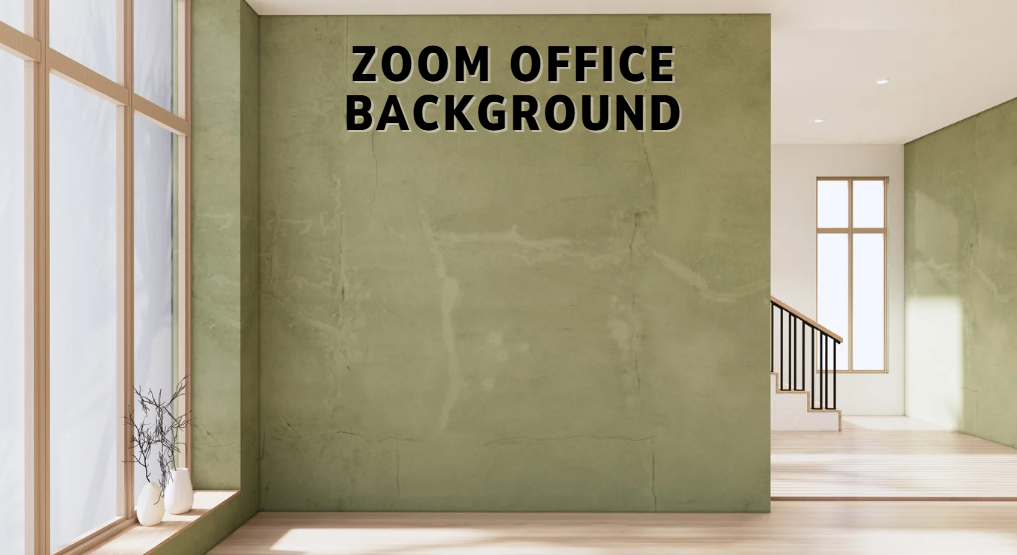
What Is a Zoom Office Background?
A Zoom office background is a digital photo or image that replaces your real background when you are on a Zoom video call. You can choose a picture of a modern office, a clean workspace, or any professional scene you like.
ALSO READ : iOS Setup Assistant
When you choose this type of background, Zoom takes away your real room and shows the image instead. This makes your video call look neat and professional, even if your real space is messy.
Why Use an Office Background on Zoom?
There are many good reasons to use a Zoom office background:
✔ Professional Look: It makes you look serious and ready for work.
✔ Privacy: It hides your real room so no one sees personal spaces or messy things.
✔ Focus on You: Other people on the call pay attention to you, not your background.
✔ Branding: Businesses can use backgrounds with their logo or company image.
✔ Easy to Change: You can change backgrounds fast before or during a call.
Using an office background helps you look neat and organized without having to clean your real room.
How to Add a Zoom Office Background
Here are easy steps to add a Zoom background:
1. Go to Zoom Settings.
Open Zoom on your computer or phone, and go to your settings. This is where you control video and audio options.
2. Find Virtual Background
In Settings, look for “Virtual Background” or “Background & Filters.” This is where you choose your image.
3. Upload an Image
Click the + (plus) button to add your own photo. You can choose a photo of an office, a desk, or any professional picture.
Some images look better if they are wide (16:9 ratio). Zoom suggests a good size like 1280 x 720 pixels or bigger.
4. Use a Green Screen (Optional)
If you have a green sheet behind you, Zoom can remove your real background more cleanly. This works best if your room color is the same or close to the green screen.
Now your office background will show during the Zoom call.
Best Zoom Office Background Ideas
Here are easy and popular ideas for office backgrounds:
1. Clean Modern Office
A simple, clean office picture with a desk and chair looks professional and neat.
2. Office with Plants
Adding background plants makes the space feel calm and friendly.
3. Executive Office
A background that looks like a real office can show seriousness and professionalism.
4. Bookshelf Workspace
An office image with a bookshelf gives a smart and creative feel.
5. Company Logo Background
Use a background with your company logo to show your brand in meetings.
These ideas help you look confident and ready for work.
Tips for Better Background Results
✔ Good Lighting: Face a light source so the background looks clear.
✔ Avoid Matching Clothing: Do not wear clothes that are the same color as your background or green screen.
✔ High-Resolution Images: Choose good-quality pictures so they don’t look blurry.
✔ Keep It Simple: A simple office background looks more professional than a busy one.
If your lighting is poor or your image is low quality, Zoom might not remove your real background clearly.
Common Problems and Fixes
My background jumps or looks messy.
This can happen when the lighting is not good. Try adding more light in front of you.
Zoom Cannot Remove Background
Make sure your computer or phone supports virtual backgrounds. Older devices may not show this option without a green screen.
The Background Looks Weird Around Your Head
This can happen if your shirt or hair is similar to the background color. Wear contrasting colors to improve results.
FAQs
1. What image size should I use?
Use a wide image (16:9 ratio) with at least 1280×720 resolution for clear results.
2. Can I use a video background?
Yes, Zoom lets you use MP4 or MOV video backgrounds (with good resolution).
3. Why does my background blink?
Poor lighting or clutter behind you can cause this. Add more light and try a clean backdrop.
4. Can I use backgrounds on my phone?
Yes, but some older phones may not support virtual backgrounds.
5. Does Zoom offer its own backgrounds?
Zoom has built-in options, but you can upload your own office images too.
Conclusion
A Zoom office background is a great way to look professional and confident on video calls. Whether for work meetings, interviews, or classes, a clean office scene helps you focus on the conversation instead of your real room. With good lighting, high-quality images, and simple setup steps, anyone can use a Zoom background easily and look great every time.